01
Pick the color
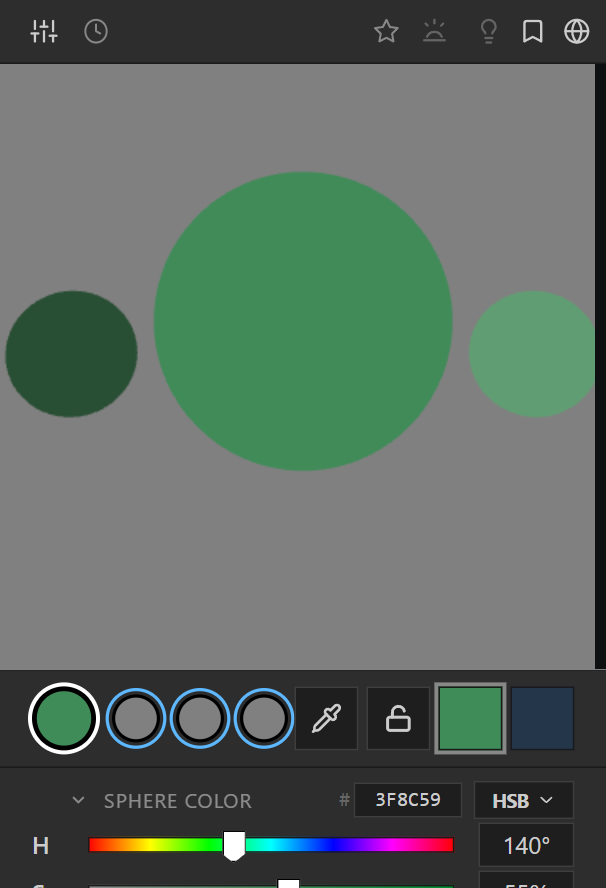
Choose the local color on its own, with no lighting bias in the way.

 FOR PHOTOSHOP
Chroma Space is a 3D color picker for Photoshop that shows any color under real lighting (highlight, shadow, and bounce) before it touches your canvas.
Watch the 75-second video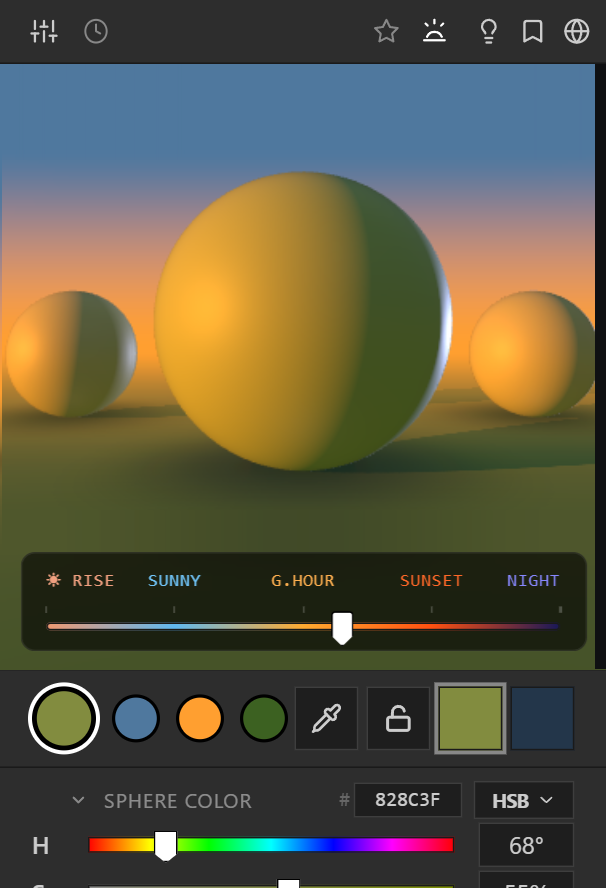
Docks beside your canvas. Pick, sync, and paint without leaving the app.
Shaped by 15+ years of color decisions in games, film, and illustration.
No subscription. Works offline too, with a quick online check once a month.
Why colors go wrong, how a 3D picker fixes it, and the result on a real painting.
Traditional pickers force you to mentally simulate how sunlight warms surfaces, how shadows cool, and how bounced ambient light fills form. Chroma Space gives you the answer before you paint.
Keep the sliders you already know (HSB, RGB, LAB, CMYK) and see every color you pick under real light.
A number and a swatch, floating in a void. You discover how it reacts to sunset only after you paint.
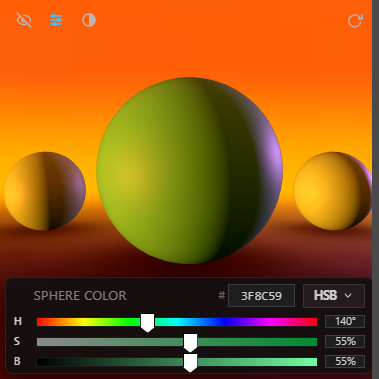
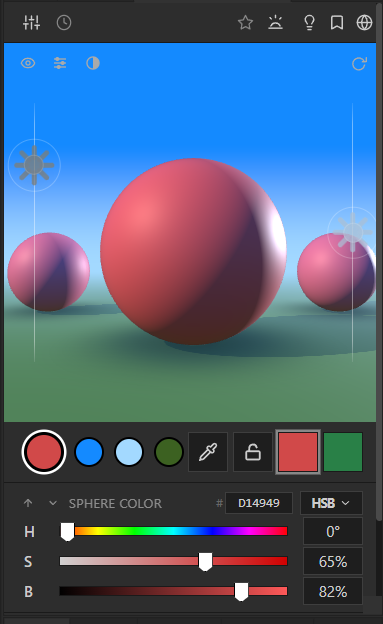
The same sliders, working on a color already under sunset lighting. Highlight, core shadow, and bounce are visible before you paint.
It's a regular Photoshop panel, so there's no separate app to open or switch to. It docks beside your layers and brushes on Windows, and on macOS in beta.
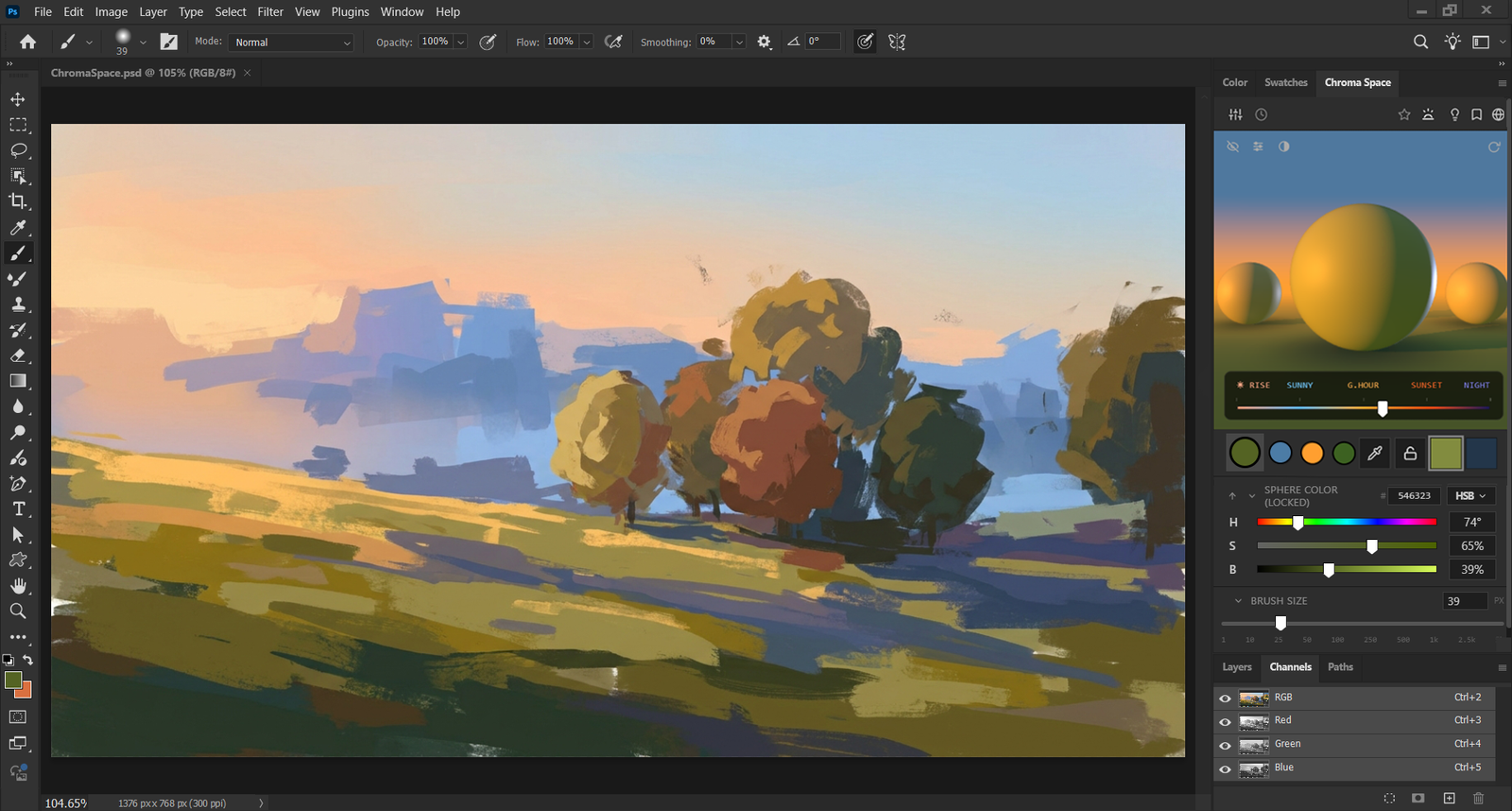
The panel sits in the same light as your painting.
Pick your color. Make the lighting decision. Carry it straight into the painting.
Choose the local color on its own, with no lighting bias in the way.
See the highlight, core shadow, and bounce light for every color you pick.
Carry those color and lighting decisions directly into the final image.
Sky, horizon, and ground are three independent colors, not a tint on a fixed backdrop. Push them anywhere: a green sky, a blue ground, a warm interior glow, and land on combinations you won't find in a preset list.
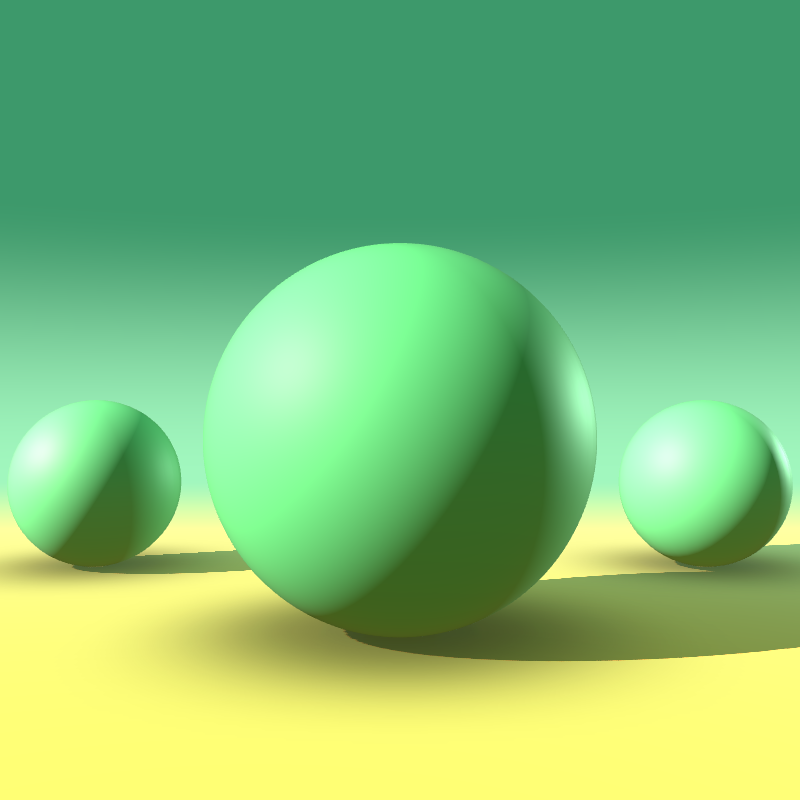
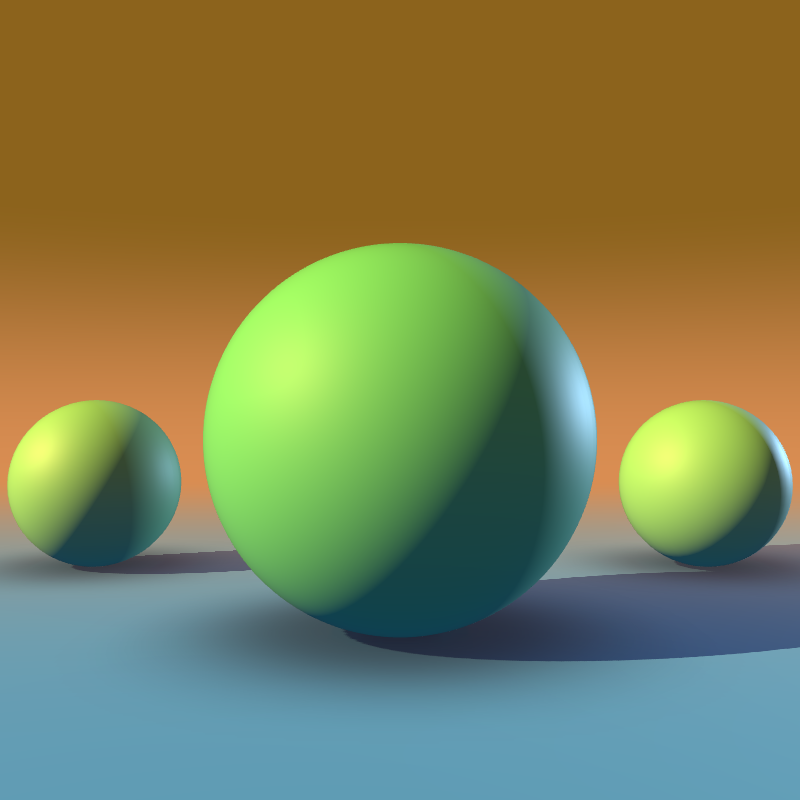
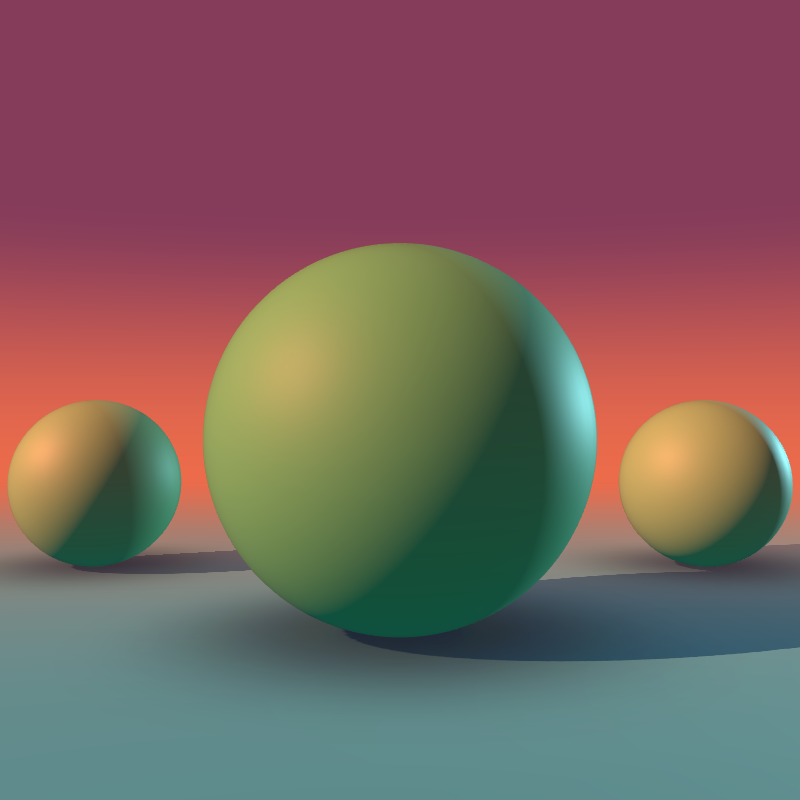
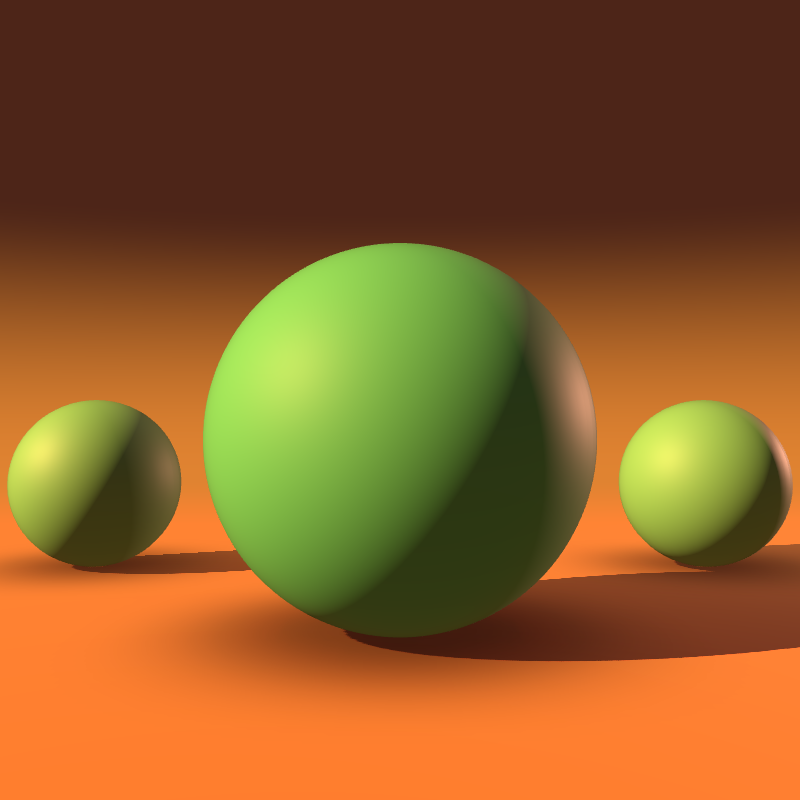
Move through a day before you commit a brushstroke. One drag shifts the sky, ambient bounce, shadow color, and material value together.
Basic ships the full manual light rig, including the spot and directional key light toggle. Pro adds the one-drag presets and saved lighting setups.
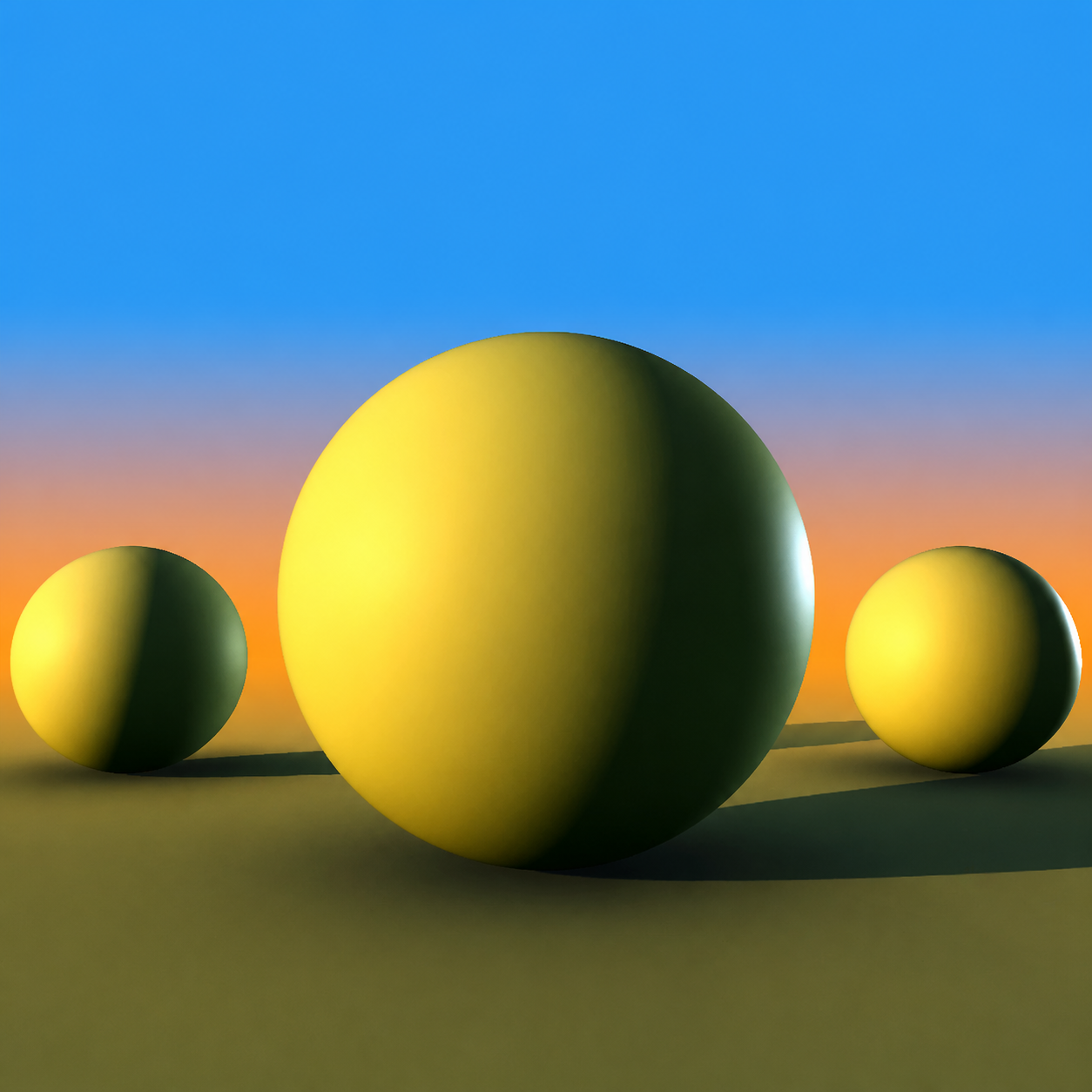
A continuous capture from the real plugin, using Sphere, the default model. Its color stays fixed while the Time of Day slider moves.
Switch between the fully lit scene and the unlit local color on neutral gray. See exactly what the lighting is doing - and what color is really underneath it.
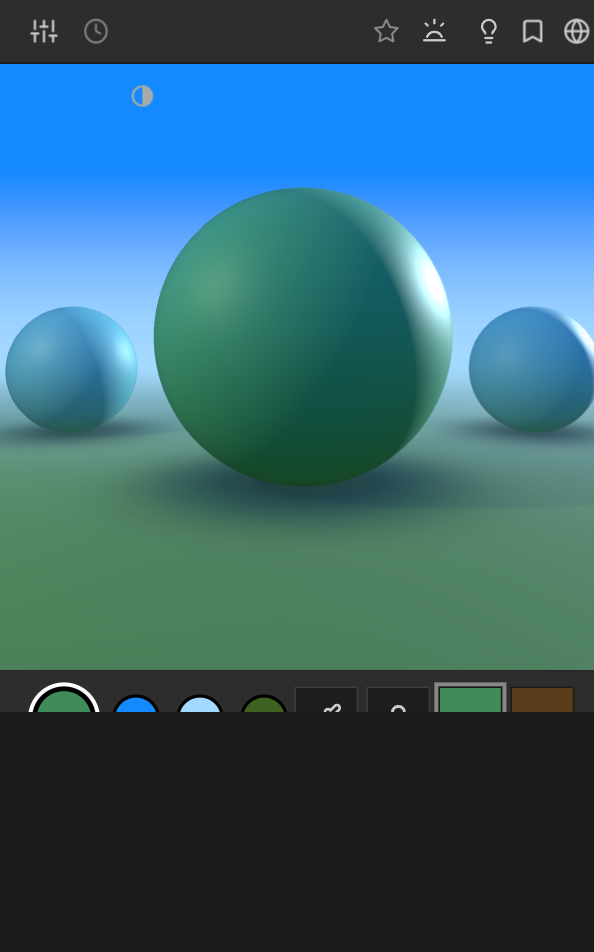
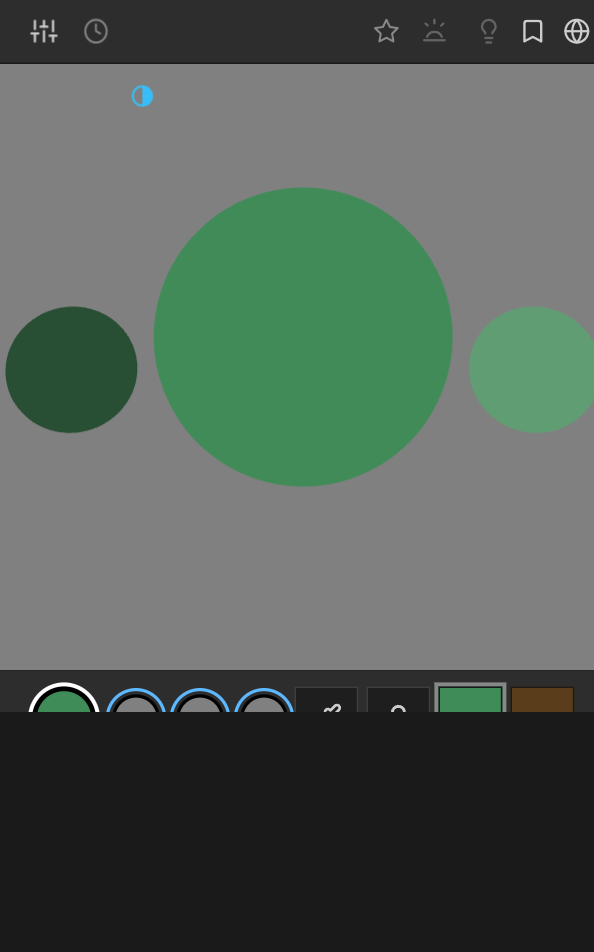
Drag the handle to reveal the true color. Use the arrow keys for precise control.
Move the same color through Sphere and Cube - or the Pro Mountain and Face models - to judge form, landscape values, and skin tones from multiple angles.
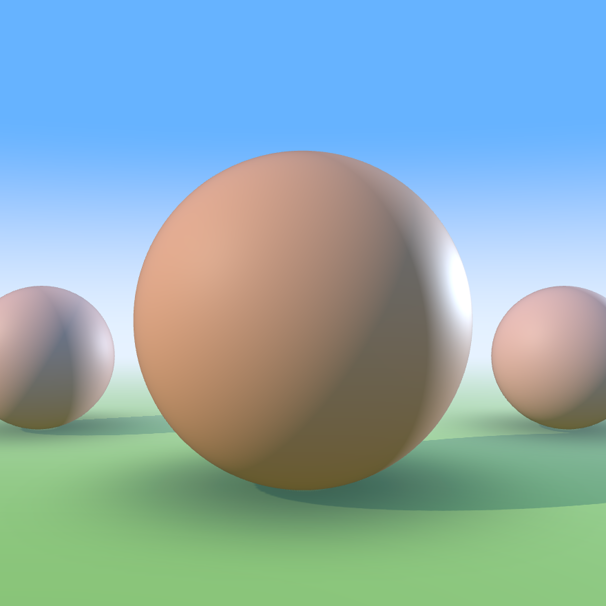
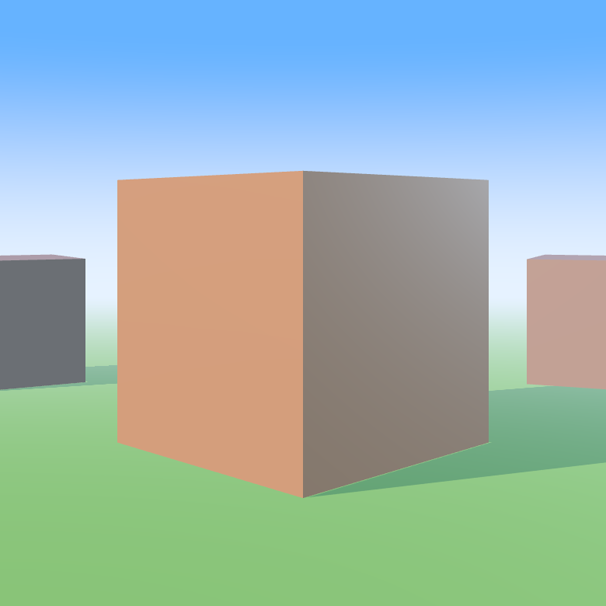
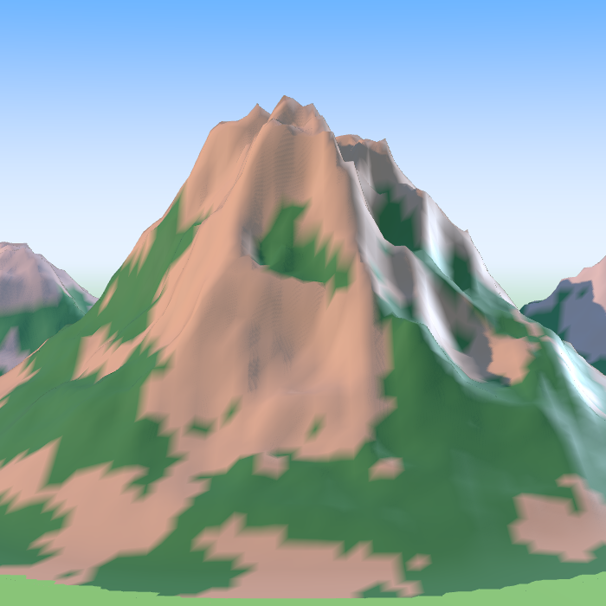
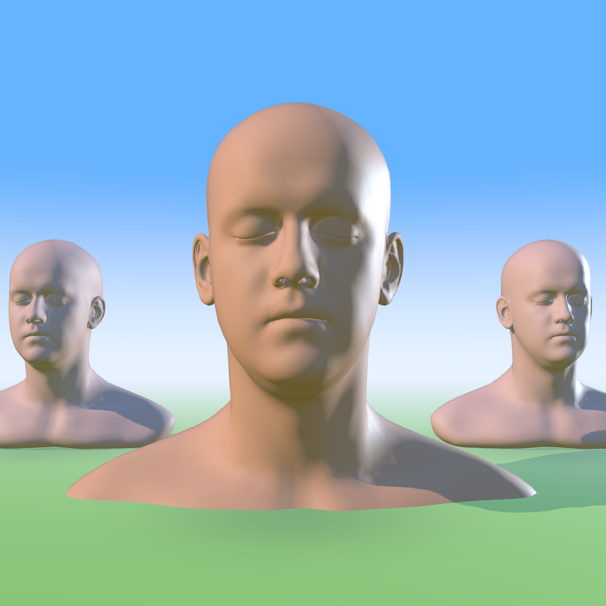
Preview Depth Fog, Reflectivity, Color Dynamics, Toon Shading, Subsurface, and Contrast before you paint.
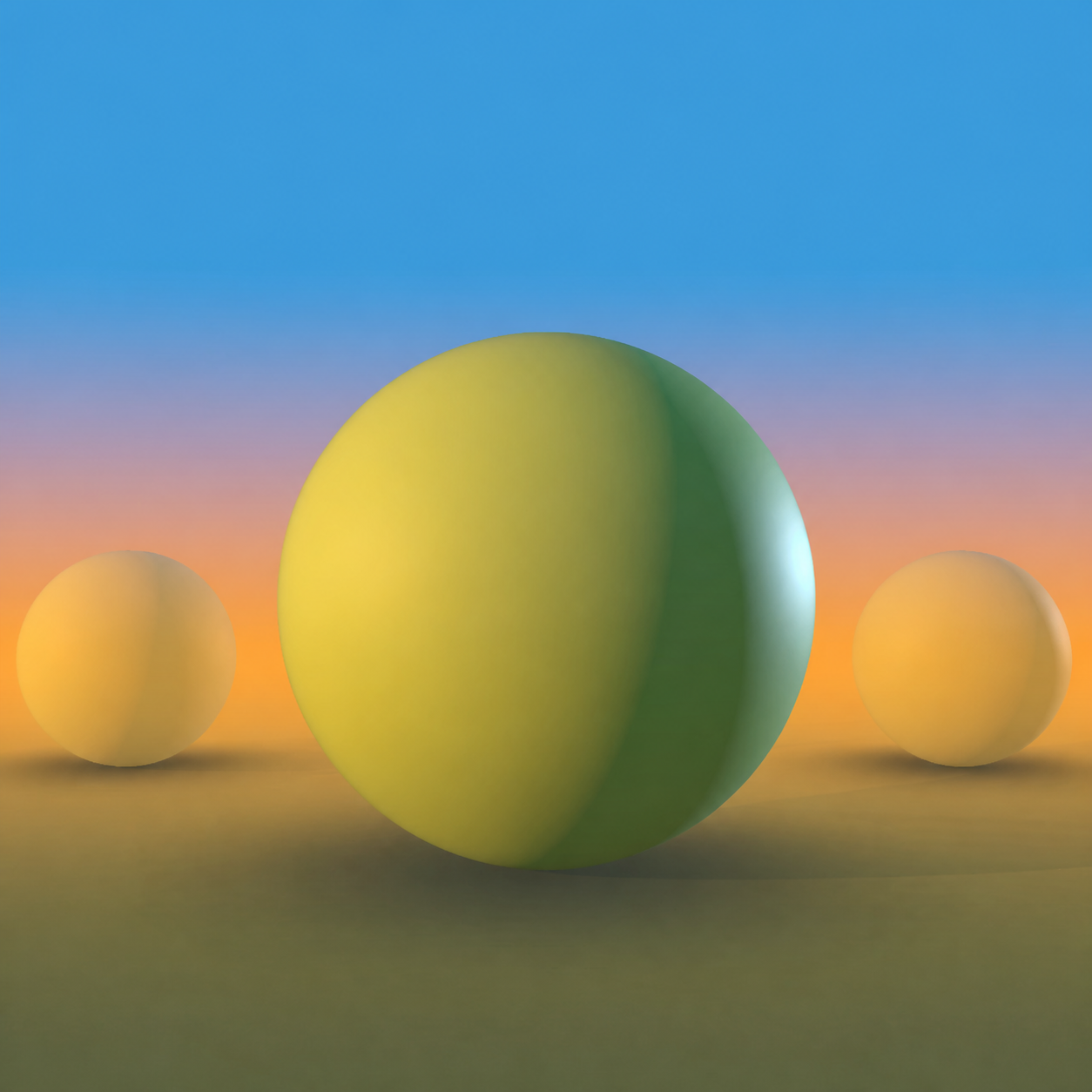
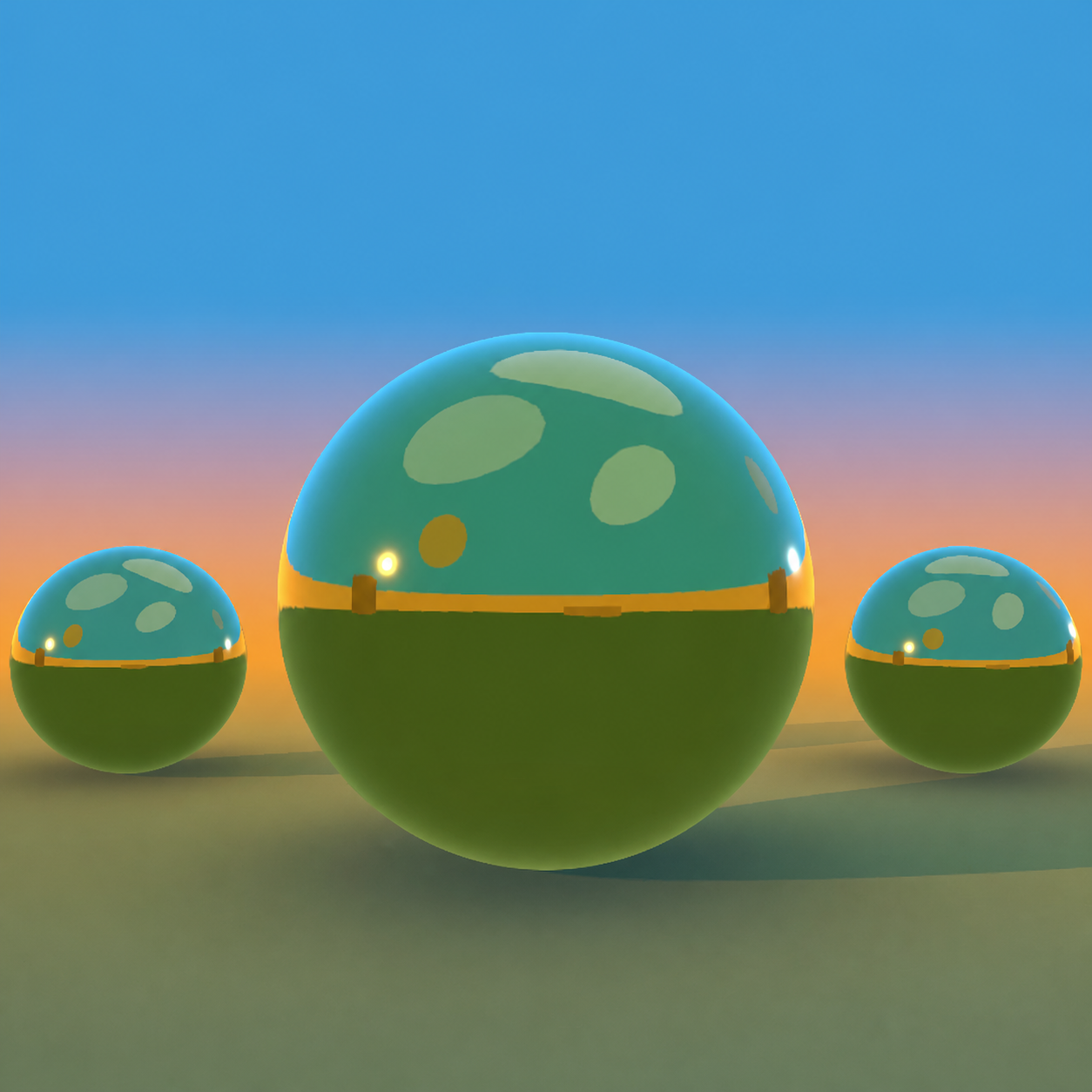
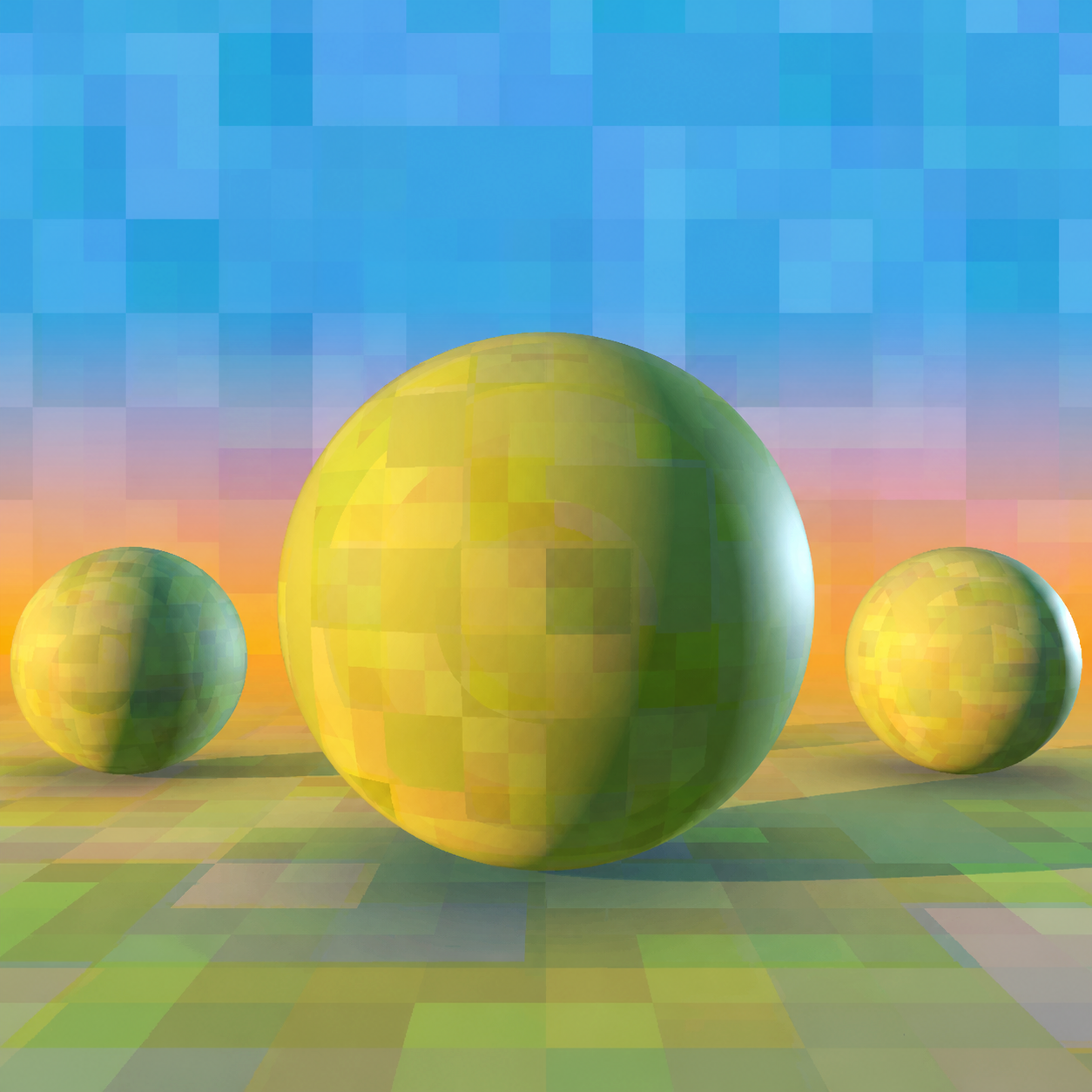
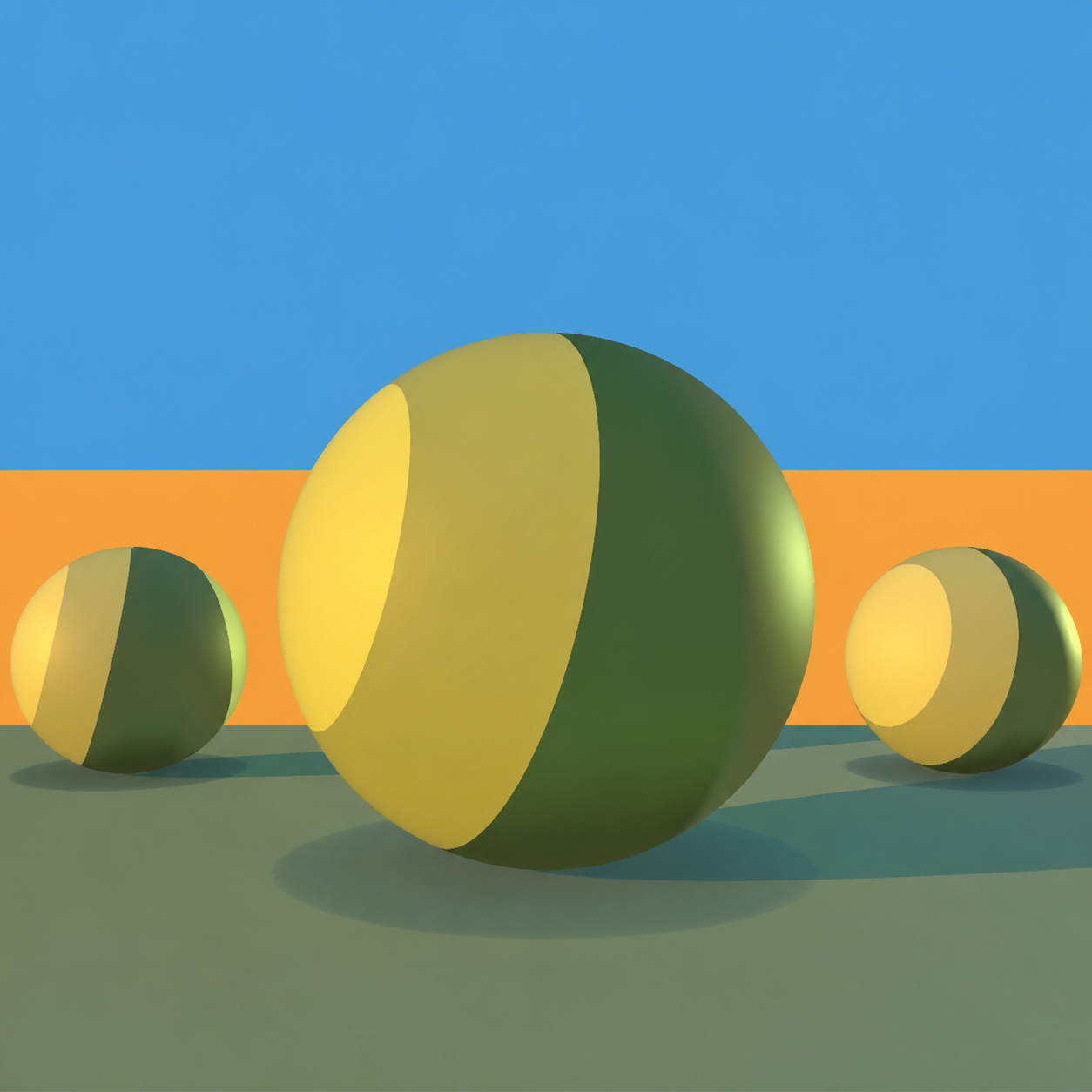
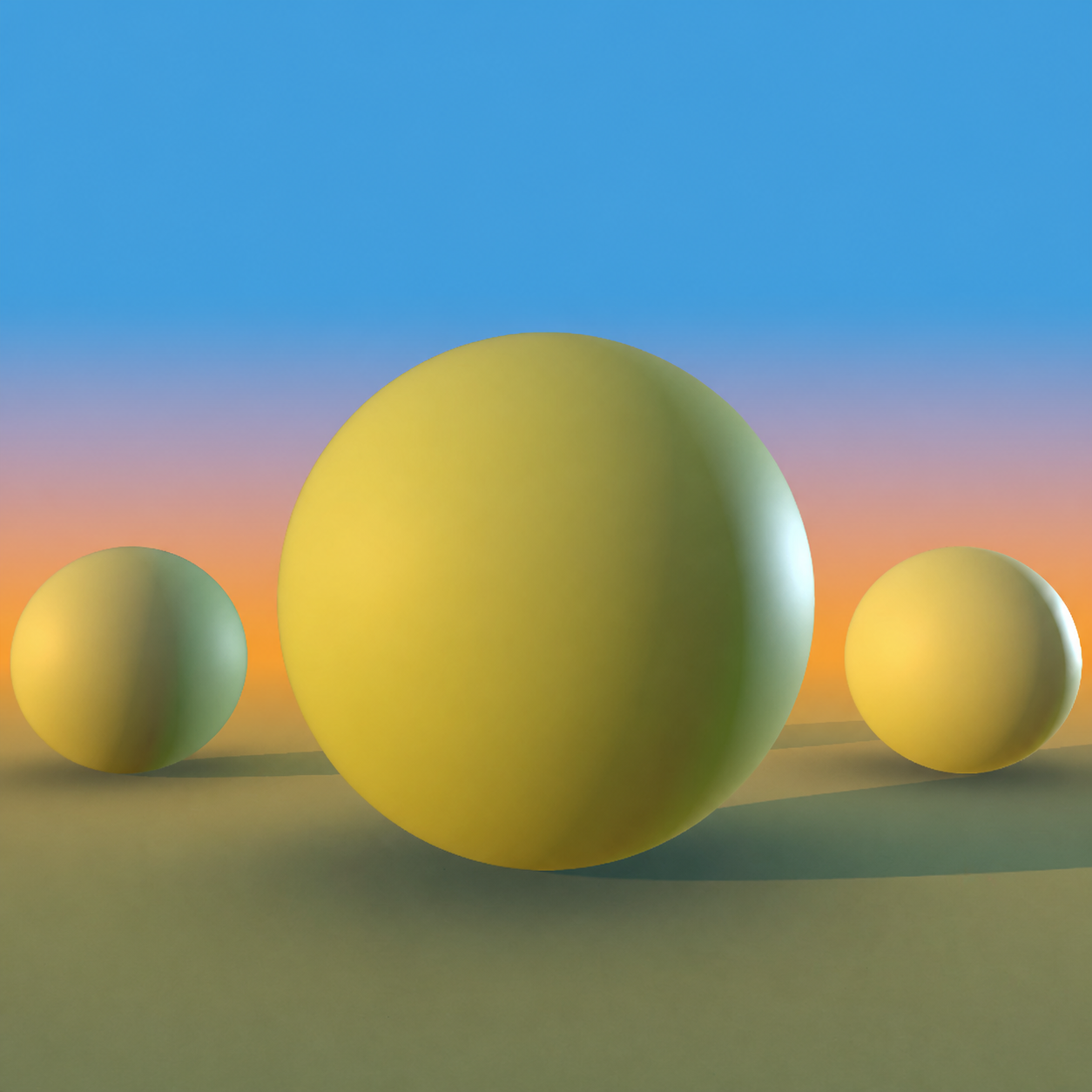
A quick guide to the controls that keep lighting, color, and Photoshop in one continuous workflow.
Pay once, keep it. Try it in the browser first, then decide.
The full 3D picker with the manual light rig, True Color check, Sphere and Cube models, camera views, color history, undo and redo, and Photoshop swatch sync.
Everything in Basic, plus one-drag Time of Day presets and saved lighting setups, the Mountain and Face models, Subsurface and Chrome materials, Toon shading, Depth Fog, Color Dynamics, Match Color, and unlimited pinned favorites.
Pro for a whole team: up to 10 seats on one invoice, seat changes handled by email when someone joins or leaves, and priority email support answered within one working day.
Included in Basic
Foreground and background colors sync both ways, with brush-size control from the panel.
HSB, RGB, LAB, CMYK, and Hue Cube stay beside the lit preview.
Build the light manually, then remove it to inspect the exact local color.
Judge rounded form and hard surfaces from multiple camera angles.
Use the sticky eyedropper and Sample & Lock to keep references ready.
Undo color or lighting changes, revisit recent colors, and adapt the panel layout.
Everything in Basic, plus
Move through daylight in one drag and return to lighting you have saved.
Study landscape values and skin tones with specialized references.
Preview Subsurface, Chrome, Toon, and Fog before you paint.
Send the current 3D view directly into Photoshop's native workflow.
Add controlled color variation and clearer value separation.
Keep every important reference color close while you explore.
Usually because shadows are made by darkening toward gray or black instead of shifting the hue. Real shadows change color. Chroma Space shows you that shadow color on a lit 3D form, so you can sample it instead of guessing.
It puts your color on a 3D shape inside Photoshop, lit by sky, sun and bounce light, so you see its highlight, shadow and reflected light before you paint.
The demo at the top of this page is the real plugin, running in your browser. No download and no signup. Pro models, advanced materials and Photoshop sync live in the plugin itself. If it does the job there, it does the job in Photoshop.
Photoshop 2024 (version 25.12 or later) and newer, on Windows, and on macOS in beta. Chroma Space installs as a CEP panel and appears under Window › Extensions.
No. You pay once and the version you buy is yours to keep. It works offline too: it only needs internet to activate, and once a month to confirm your license.
Basic gives you the complete 3D picker, manual light rig, and Sphere and Cube models. Pro adds one-drag Time of Day presets, the Mountain and Face models, advanced materials, Match Color, and saved lighting setups.
Only when you ask it to. Picking in the panel sets your foreground color, and your Photoshop foreground and background colors sync back into the panel.
Email us within 30 days and we will refund you in full. No form to fill in and no questions asked.
Own it forever for the price of a brush pack.
Get Chroma Space Pro - $49 30-day money-back guarantee · One-time payment