 STANDALONE PRO
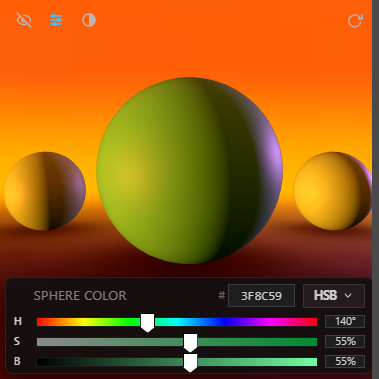
Chroma Space Standalone Pro is a 3D color picker in its own window. It shows any color under real lighting (highlight, shadow, and bounce), then sends it to Krita or Clip Studio Paint, or copies it into any painting app.
Watch the 75-second videoStandalone Pro runs on a Windows or Mac (beta) computer. Get the link by email and open it there.
One email with the link. No newsletter.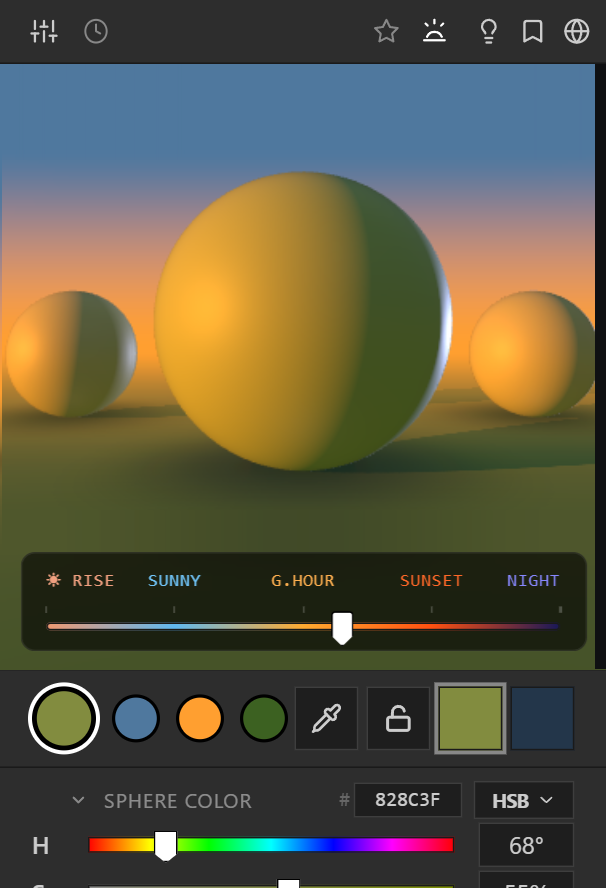
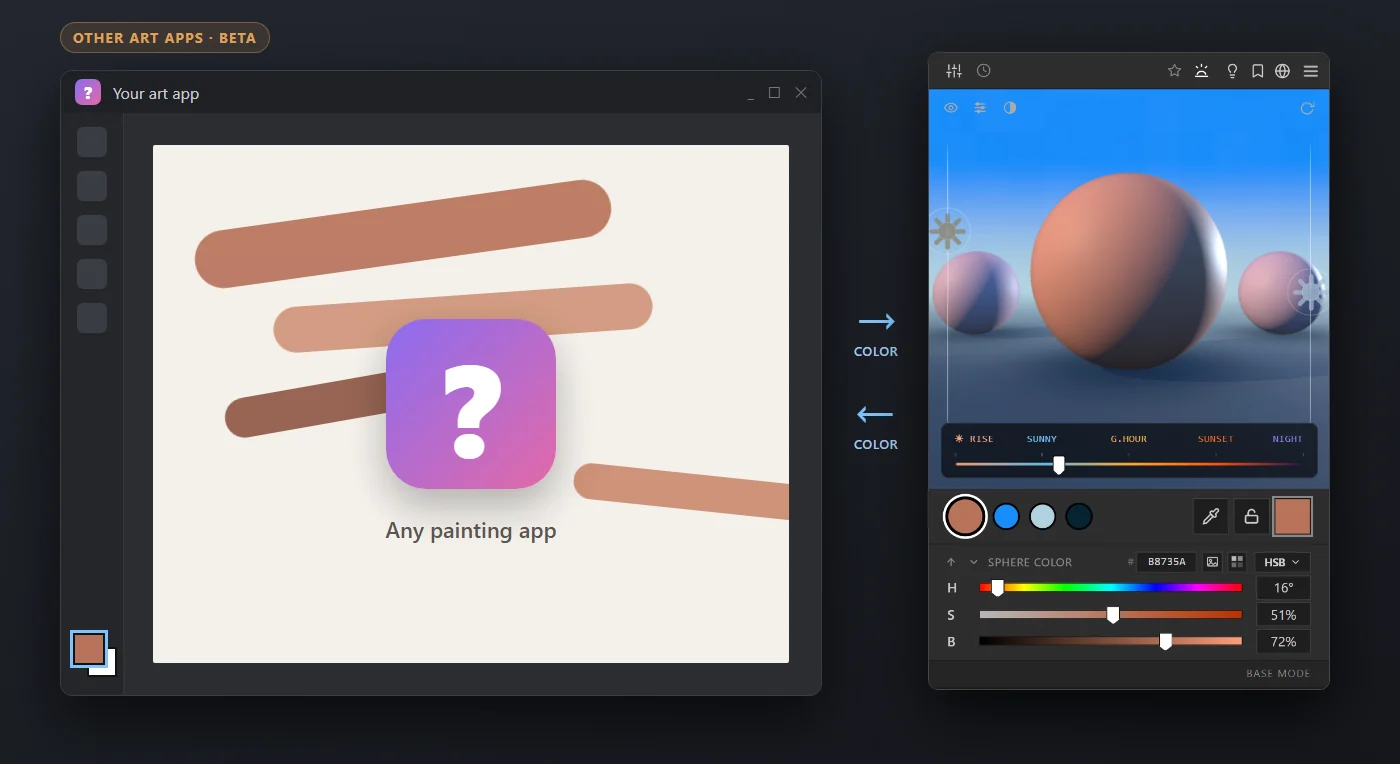
Two-way with Krita and Clip Studio Paint. Any other app by hex code, hotkey or swatch file.
Shaped by 15+ years of color decisions in games, film, and illustration.
No subscription. Works offline too, with a quick online check once a month.
Standalone Pro is its own small window. Keep it on top of Krita or Clip Studio Paint, and the color you pick lands on your brush.

 Clip Studio Paint, with the Chroma Space window outlined in blue.

 Krita: Chroma Space sits where the color selector was.
 Clip Studio Paint: the same picker, the same painting.Krita
A small Krita plugin keeps both sides in step. Colors you pick here become Krita's brush color at once, and colors you pick in Krita come back here. The app installs the plugin for you.
Clip Studio PaintColors you pick in Clip Studio, with the eyedropper or the color wheel, come into Chroma Space. Colors you pick here go to Clip Studio's brush through its own Pick screen color, so its picker flashes up for a moment each time.
Other painting apps can follow the same way in beta. Any app also works with copy hex (Ctrl+Alt+C), picking from the screen (Ctrl+Alt+E) and .gpl or .ase swatch files.
Use the Chroma Space panel instead. It docks inside Photoshop, sets your foreground color directly, and adds Match Color and Brush Size.
Chroma Space for PhotoshopMove the same color through Sphere, Cube, Mountain and Face to judge form, landscape values, and skin tones from multiple angles.
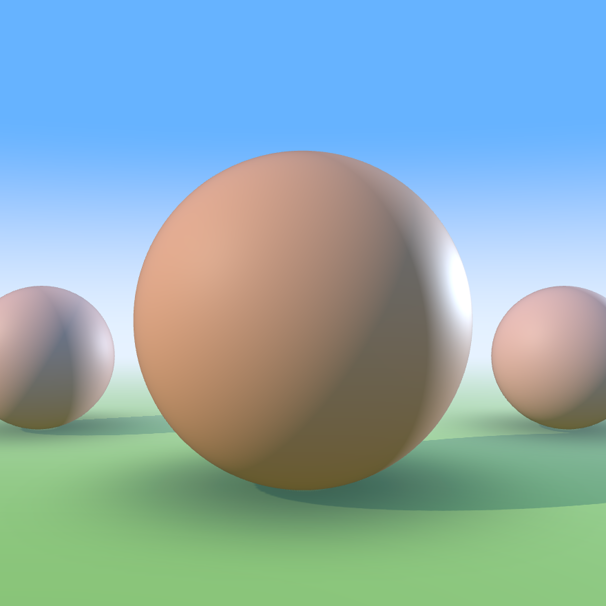
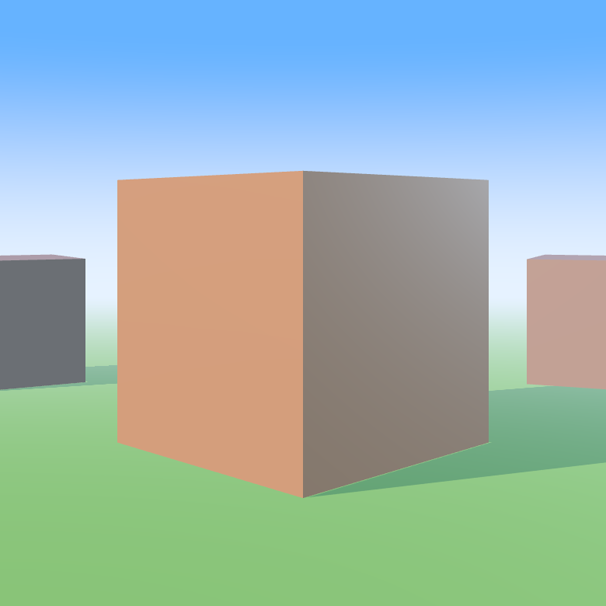
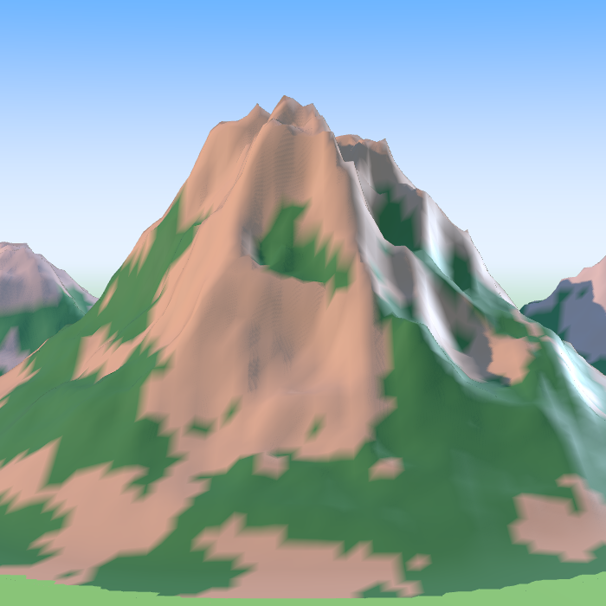
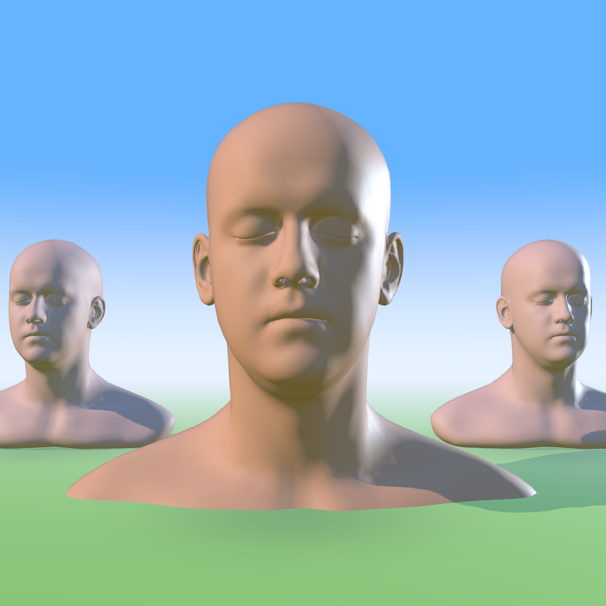
Preview Depth Fog, Reflectivity, Color Dynamics, Toon Shading, Subsurface, and Contrast before you paint.
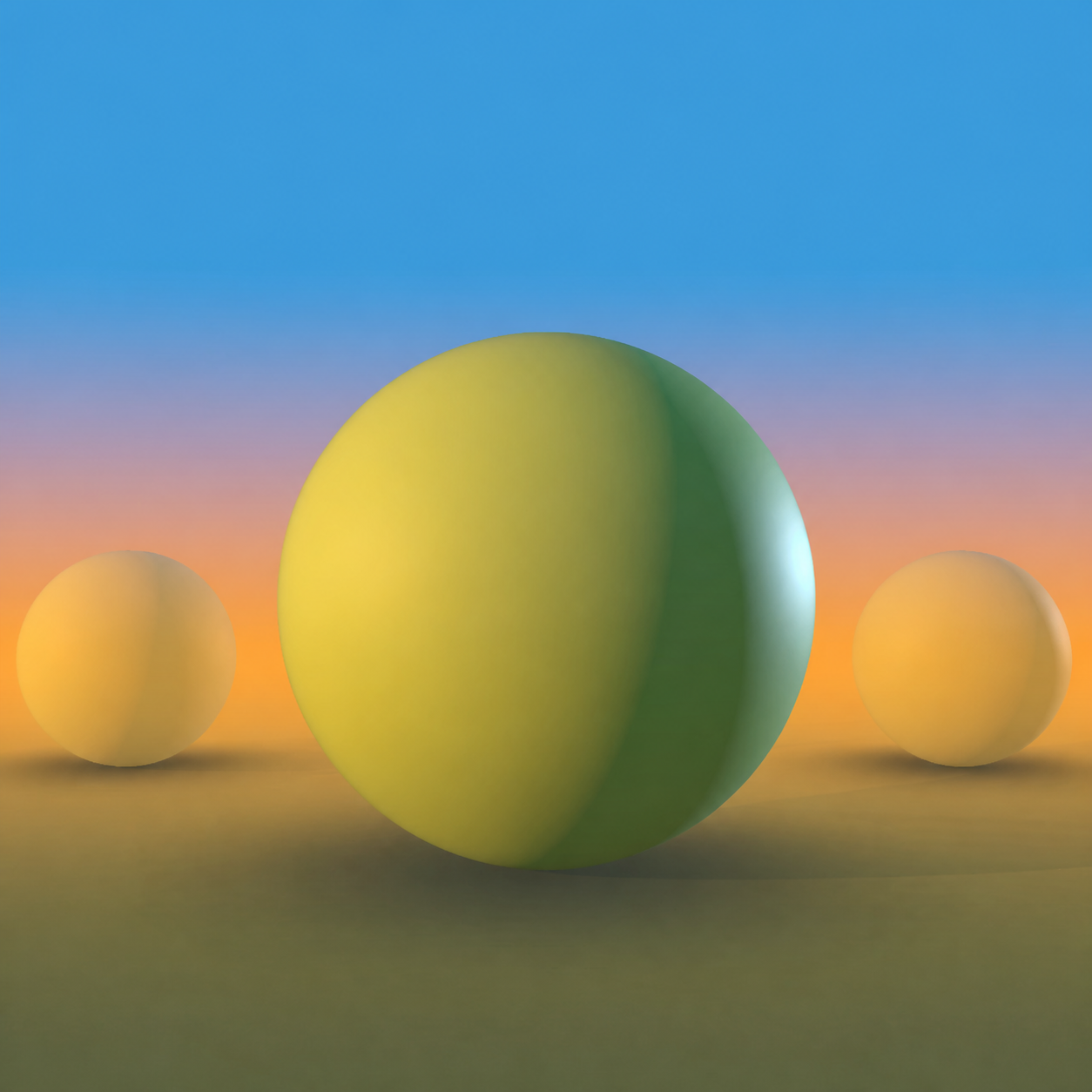
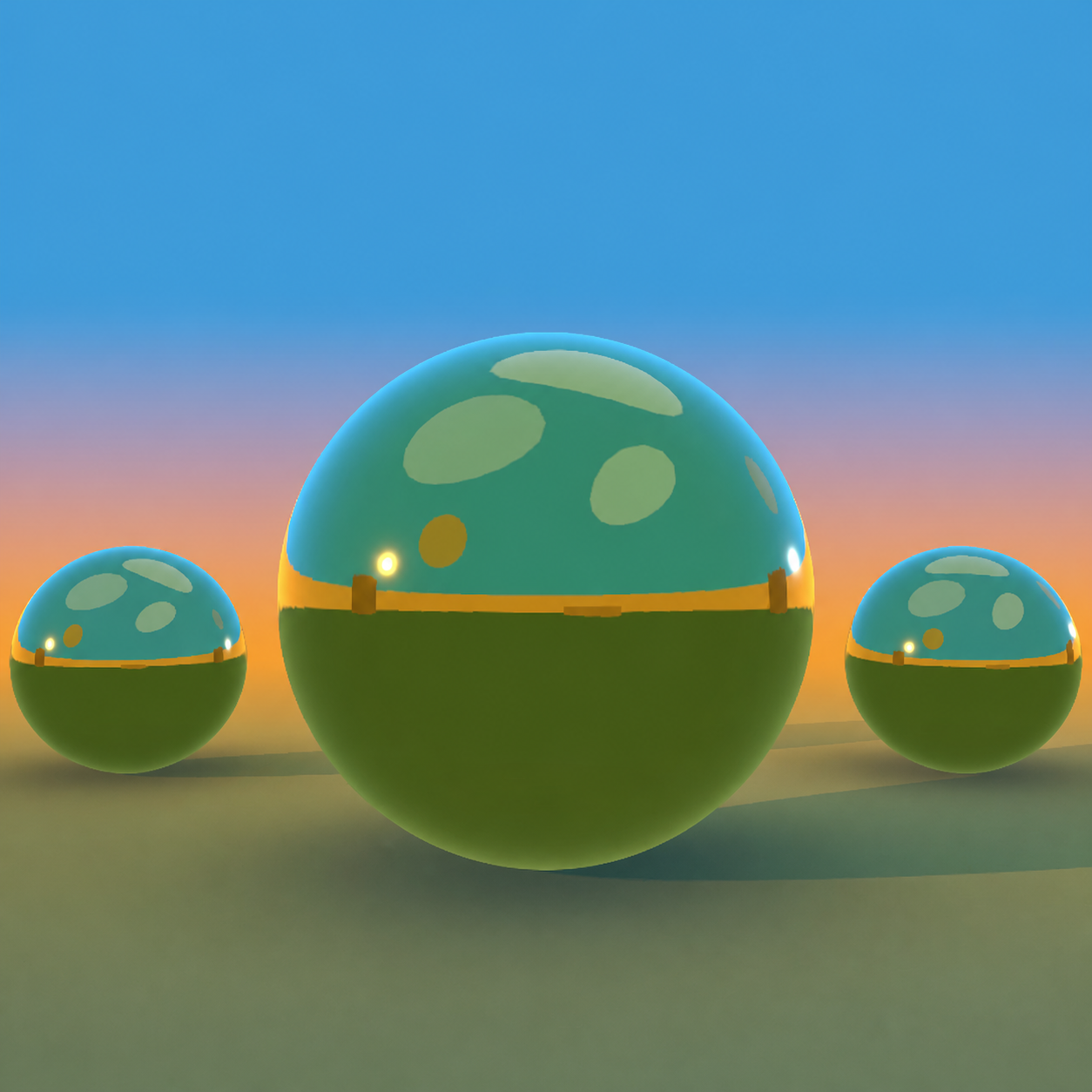
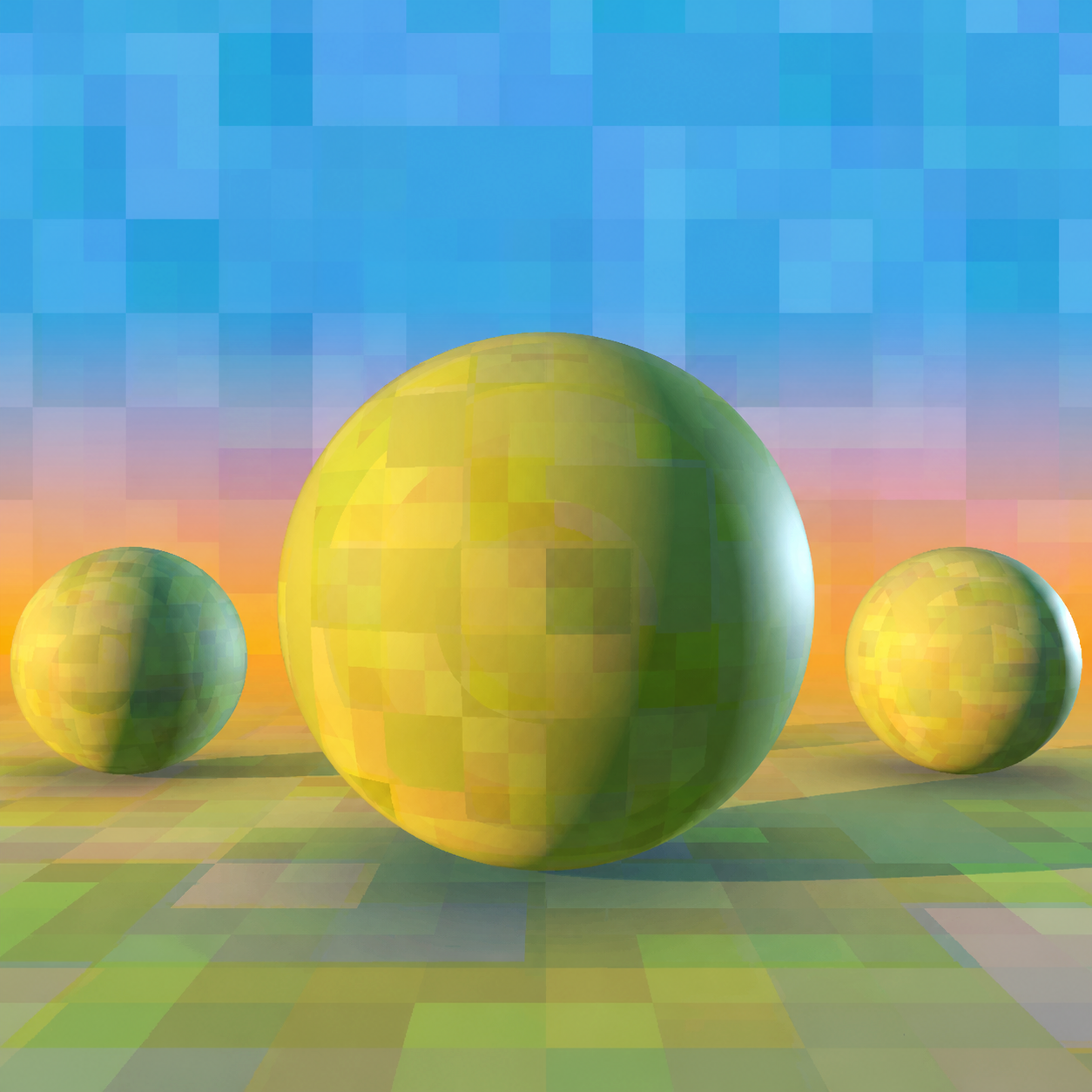
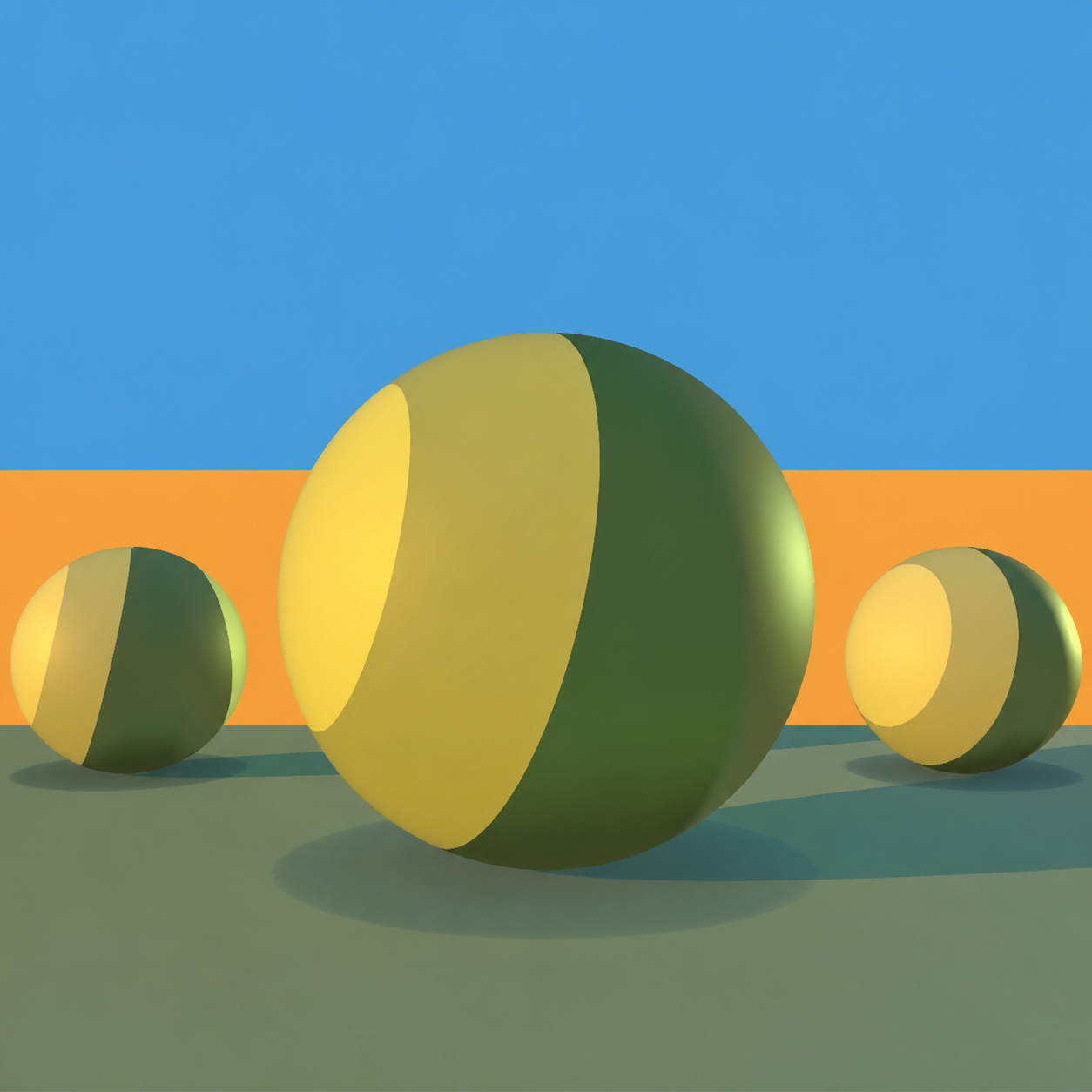
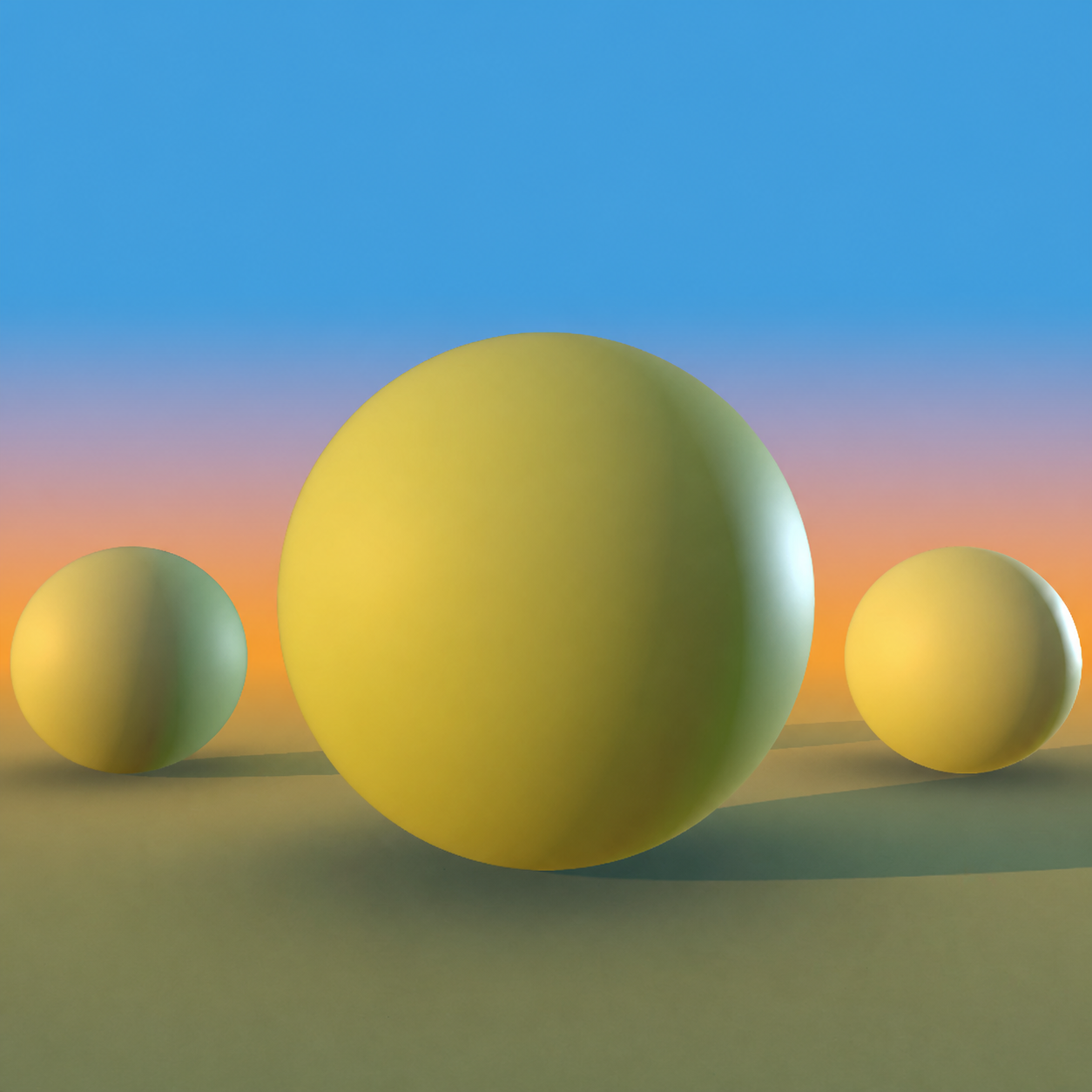
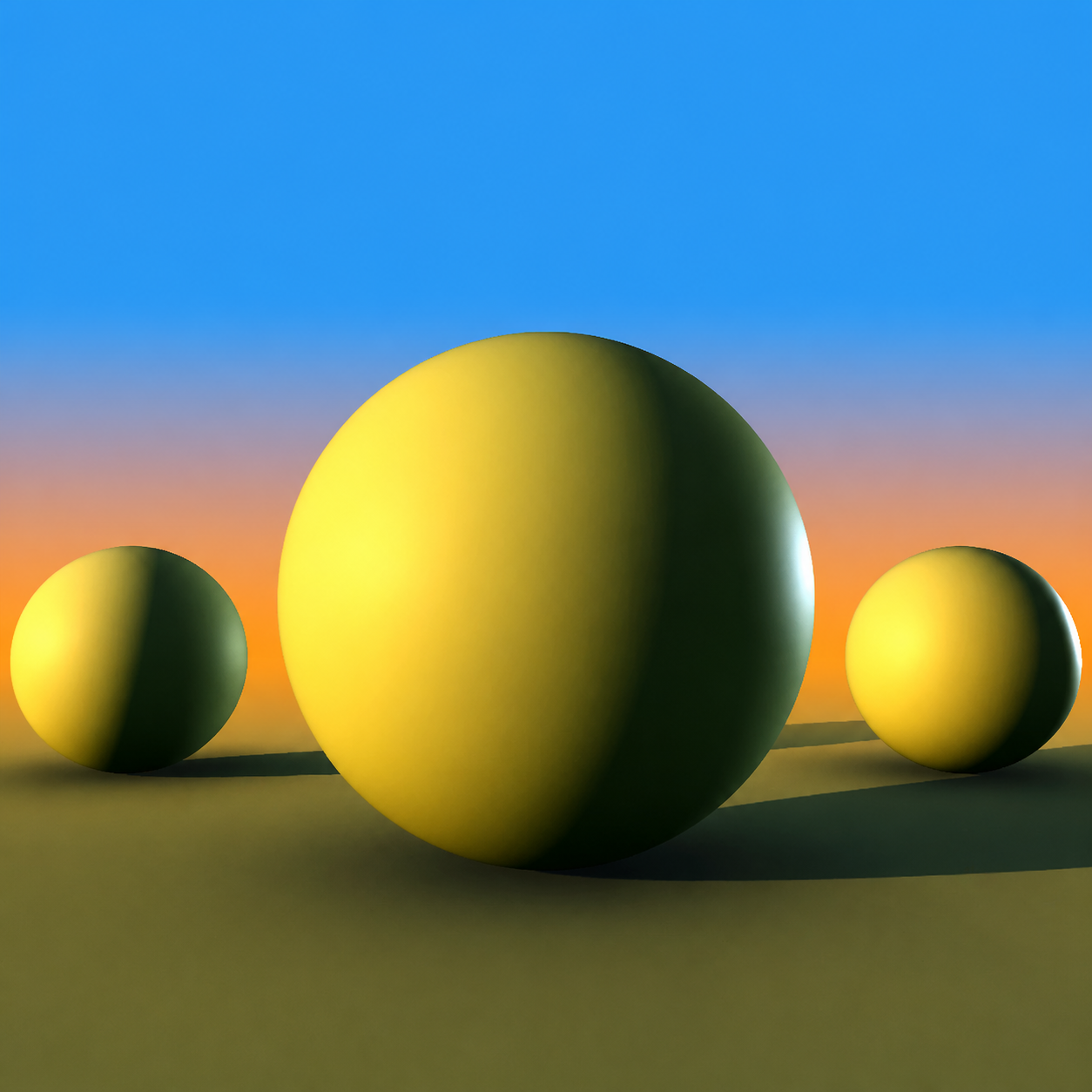
Move through a day before you commit a brushstroke. One drag shifts the sky, ambient bounce, shadow color, and material value together.
You get the full manual light rig too, including the spot and directional key light toggle, and you can save lighting setups to reuse.
A continuous capture from the real picker, using Sphere, the default model. Its color stays fixed while the Time of Day slider moves.
Why colors go wrong, how a 3D picker fixes it, and the result on a real painting. Recorded in the Photoshop version, which uses the same picker.
Traditional pickers force you to mentally simulate how sunlight warms surfaces, how shadows cool, and how bounced ambient light fills form. Chroma Space gives you the answer before you paint.
Keep the sliders you already know (HSB, RGB, LAB, CMYK) and see every color you pick under real light.
A number and a swatch, floating in a void. You discover how it reacts to sunset only after you paint.
The same sliders, working on a color already under sunset lighting. Highlight, core shadow, and bounce are visible before you paint.
Recorded in the Photoshop version. Standalone Pro uses the same picker.
The Palette panel reads the lit render and gives you the base color plus a highlight, midtone, shadow and bounce color. Click any row to copy its hex code.
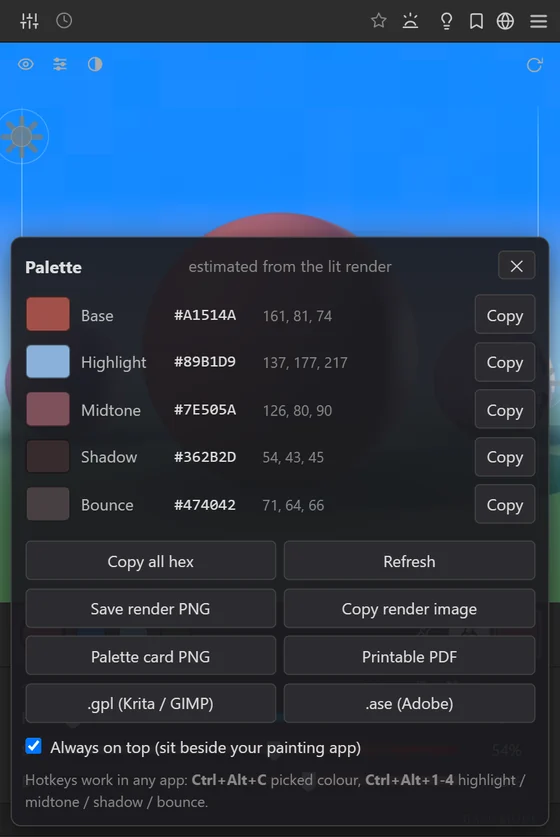
The same window works whatever you are painting. Pick a color, check it under the light, and send it to the brush.

Read this before you buy, so nothing surprises you.
Pay once, keep it. Try it in the browser first, then decide.
See every feature (90s video, recorded in Photoshop) · Chroma Space for Photoshop
Standalone Pro runs on a Windows or Mac (beta) computer. Get the link by email and open it there.
One email with the link. No newsletter.Everything in Chroma Space Pro, in its own window: Time of Day presets and saved lighting setups, the Sphere, Cube, Mountain and Face models, Subsurface and Chrome materials, Toon shading, Depth Fog, Color Dynamics and unlimited pinned favorites. Plus two-way links to Krita and Clip Studio Paint, a screen eyedropper, global hotkeys and palette exports.
Standalone Pro for a whole team: up to 10 seats on one invoice, seat changes handled by email when someone joins or leaves, and priority email support answered within one working day.
Usually because shadows are made by darkening toward gray or black instead of shifting the hue. Real shadows change color. Chroma Space shows you that shadow color on a lit 3D form, so you can sample it instead of guessing.
The demo at the top of this page is the real picker, running in your browser. No download and no signup. Pro models, advanced materials and the app connections live in the app itself.
Krita and Clip Studio Paint both ways. Other painting apps in beta, and any app at all through copy hex, picking from the screen and .gpl or .ase swatch files.
No. Standalone Pro runs on its own on Windows and on macOS (beta). If you paint in Photoshop, the Chroma Space panel is the better fit.
Standalone Pro is its own app with its own license key, sold separately. Your Photoshop license keeps working as it is.
No. You pay once and the version you buy is yours to keep. It works offline too: it only needs internet to activate, and once a month to confirm your license.
Email us within 30 days and we will refund you in full. No form to fill in and no questions asked.
Own it forever for the price of a brush pack.
Get Standalone Pro - $49 30-day money-back guarantee · One-time payment